 Free Auto Refresh
Catch a ticket drop without the reload button.
Returned and resale tickets appear without warning. Let the page reload itself and alert you when availability text changes.
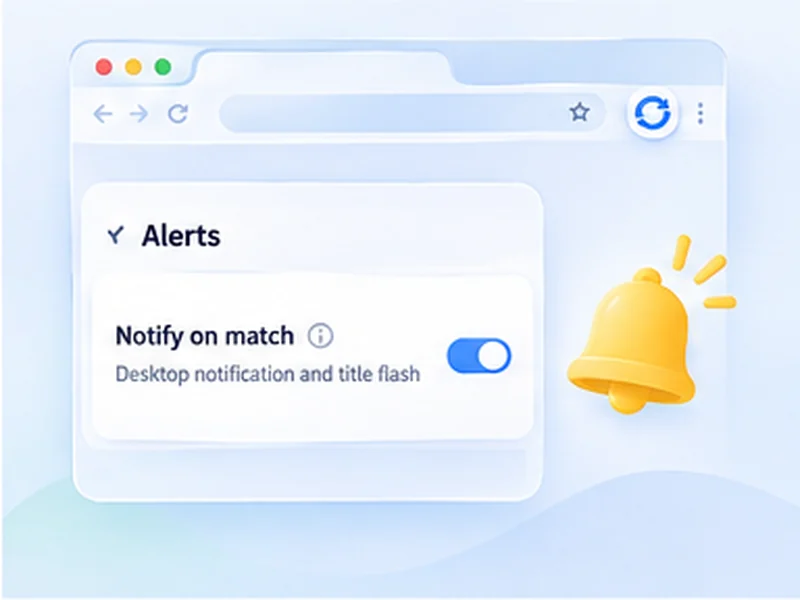
How ticket drops works
Returned and resale tickets appear without warning. Let the page reload itself and alert you when availability text changes.
Some ticket sites limit or forbid automated reloading and may put you in a queue or block you. Check their terms, keep intervals moderate, and never refresh inside a waiting-room queue, where it can lose your place.
Quick setup
Open the event page, signed in.
Set Min 20 and Max 45.
Watch for the sold-out wording to disappear.
Set Stop after to the length of time you are willing to wait.
A ticket alert for returns and resale
Sold-out events often release a few more tickets: returns, production holds, face-value resale. They appear without warning and go quickly. Leaving the event page on a gentle auto refresh with a watch rule means you hear about it without sitting on the page.
Set it up to be safe
- Never refresh inside a queue or waiting room. Reloading there can lose your place.
- Use a random range, such as 20 to 45 seconds, and a time limit.
- Watch the sold-out wording with Stop when text disappears.
- Leave Pause while typing on so a reload never interrupts checkout.
Check the ticket site's rules
Many ticket sellers limit automated activity and may slow or block browsers that reload too often. Read their terms and keep to moderate intervals.
Use intervals that are reasonable for the site and only monitor pages you are allowed to access. The extension does not get around logins, queues, rate limits or other access restrictions.
A worked example: returned tickets
The event page says No tickets currently available. Sign in first, so you are ready to buy. Set Min 20 and Max 45, choose Stop when text disappears with that sentence, and set Stop after to 120 minutes. Press Start. If tickets are released, you get a notification and the tab title flashes; you then choose seats and pay yourself.
What it will not do
- It will not hold your place in a queue.
- It will not select seats or check out.
- It will not get past purchase limits or bot checks.
If nothing happens
Check the watched sentence still matches the page exactly, and that the site has not signed you out or shown a verification page. A verification page counts as the text disappearing, so you will be alerted to that too.
At a glance
- Hands off the F5 key. The page reloads on its own while you get on with something else.
- Alert on availability. Watch for 'Sold out' to disappear or 'Find tickets' to appear.
- Polite timing. Use a random range and a time limit, so you are not hammering the site all night.
Questions, answered.
Will it buy tickets for me?
No. It reloads the page and alerts you. You buy them yourself.
Can it skip the queue?
No, and you should not run it while queuing.
How fast can I refresh a ticket page?
Technically every second, but 20 to 45 seconds is far less likely to get you blocked.
Does it work with resale pages?
Yes, on any page where availability is shown as text.
Will it buy the ticket for me?
No. It only reloads and alerts. You complete the purchase yourself.
Let the page check itself.
Use the free extension for Chrome or Firefox.
Have a different use case in mind?
Share the browser task you would like to make easier. Your idea helps guide what gets built next.