 Free Auto Refresh
Stop checking. Get told when it moves.
Parcel, refund, visa or job application: when the status line changes, you will know without checking again and again.
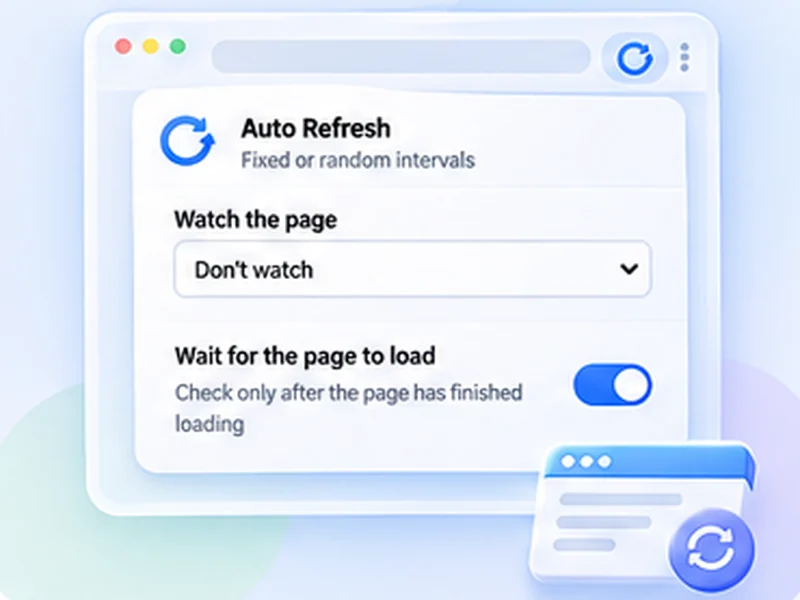
How status pages works
Parcel, refund, visa or job application: when the status line changes, you will know without checking again and again.
Without a selector, anything changing on the page counts, including clocks and adverts. A selector for the status text gives far fewer false alerts.
Quick setup
Open the status page.
Choose Stop when content changes and add a selector for the status, or use the whole page.
Set Min 300 and Max 600.
Order, delivery and application status alerts
Parcels, refunds, visa and job applications all have a status line that changes a few times over days or weeks. Checking it by hand is tedious. Watch the status element instead and be notified on the first change.
Slow pages, slow intervals
Status pages rarely change more than a few times a day, so check every five to ten minutes. Add a selector for the status text; without one, any change on the page counts, including clocks and adverts.
Leave it running
Keep the tab awake is on by default so the browser does not put the tab to sleep.
Use intervals that are reasonable for the site and only monitor pages you are allowed to access. The extension does not get around logins, queues, rate limits or other access restrictions.
A worked example: a parcel in customs
The tracking page shows Held at customs. Inspect that line; its class is .status-text. Choose Stop when content changes, enter .status-text, set Min 300 and Max 600 and press Start. When the status becomes Out for delivery, you are notified.
Without a selector
If you cannot find a selector, use Stop when text disappears with the current status wording. It is less precise but needs no inspection.
Good candidates
- Parcel and courier tracking.
- Refund and claim status.
- Visa, passport and permit applications.
- Job application portals.
- Repair and service tickets.
At a glance
- Watch the status line. Target the status element so the rest of the page is ignored.
- Check a few times an hour. Status pages change slowly; long intervals are plenty.
- Works behind a login. It runs in your own signed-in tab.
Questions, answered.
Will it keep me signed in?
Often, since reloads keep a session active. Some sites still sign you out after a set time.
Can I track several orders?
Yes, one tab each.
What if I close the browser?
Refreshing stops. Open the page and press Start again.
Does it read my order details?
Only to compare the watched text locally. Nothing leaves your browser.
Will it log me out?
Regular reloads usually keep a session alive. Some sites still sign you out after a fixed time.
Let the page check itself.
Use the free extension for Chrome or Firefox.
Have a different use case in mind?
Share the browser task you would like to make easier. Your idea helps guide what gets built next.