 Free Auto Refresh
How to stop a page auto refreshing.
A page that reloads by itself is usually caused by one of four things. Work through them in order and you will find it.
First, find what is refreshing the page
Pages do not reload for no reason. Either an extension is doing it, the website is doing it, the browser unloaded the tab to save memory, or the page is crashing and recovering.
The fastest test is a private (incognito) window, where extensions are off by default. If the page stops reloading there, an extension is responsible.
Quick setup
Stop Free Auto Refresh
Click the icon and press Stop, or press Alt+Shift+R. The on-page counter also has a stop button.
Check other extensions
Open the extensions page and switch them off one at a time until the reloading stops.
Turn off tab sleeping
In Chrome: Settings, Performance, Memory Saver. In Edge: Settings, System, Sleeping tabs.
Blame the site last
Some pages reload themselves by design. Only a blocking setting or the site itself can change that.
Stop auto refresh in Chrome
- Memory Saver. Chrome discards tabs you have not used and reloads them when you return. Turn it off in Settings, Performance, or add the site to Always keep these sites active.
- Extensions. Go to chrome://extensions and disable anything that refreshes, monitors or automates pages.
- A crashing tab. If you see an error page between reloads, update Chrome and try with hardware acceleration off (Settings, System).
Stop auto refresh in Firefox
- Block automatic refresh. Type about:config in the address bar, search for accessibility.blockautorefresh and set it to true. Firefox then asks before a page refreshes or redirects itself.
- Tab unloading. In about:config, set browser.tabs.unloadOnLowMemory to false.
- Add-ons. Open the Add-ons page and disable them one at a time.
When the website itself refreshes
News sites, live scores, webmail and dashboards often reload on purpose, using a refresh tag or a script. Chrome has no setting to block this. Firefox does (see above). Otherwise, look for a pause or live-updates switch on the page itself.
Want refreshing that stops by itself?
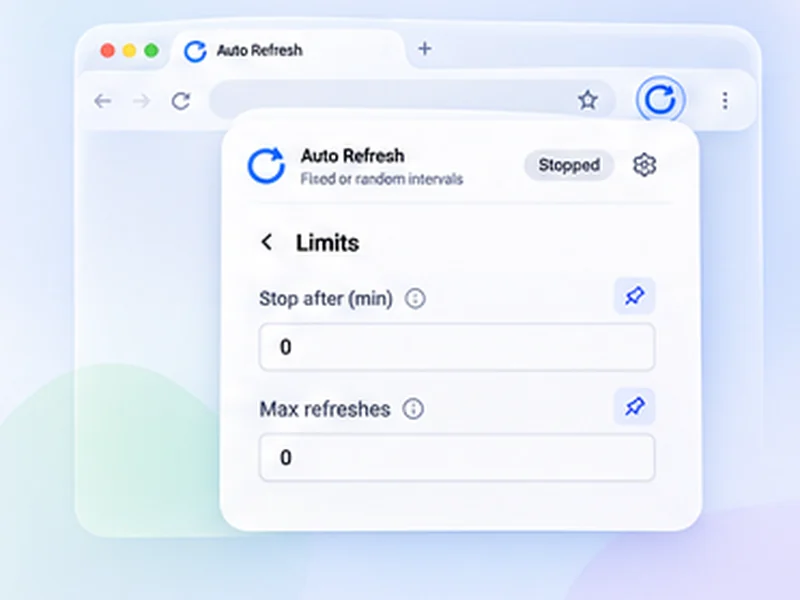
If the problem is an auto refresh you started and forgot, set a limit next time. Free Auto Refresh can stop after a time or a number of refreshes, and can pause while you are typing so it never wipes out a form.
Questions, answered.
Why does my page keep refreshing by itself?
Most often an extension, the browser unloading the tab to save memory, or the site refreshing on purpose.
How do I stop Chrome from refreshing tabs when I switch back?
Turn off Memory Saver in Settings, Performance, or add the site to the always-active list.
How do I stop Free Auto Refresh?
Press Stop in the popup, click the stop button on the page counter, or press Alt+Shift+R.
Can I block a website from refreshing itself?
In Firefox, yes, with accessibility.blockautorefresh. Chrome has no equivalent setting.
Does closing the popup stop the refresh?
No. Refreshing continues until you press Stop, a limit is reached, or a watch rule matches.
Skip the manual reloads.
Free Auto Refresh does it on a timer, for Chrome and Firefox.
Not seeing the feature you need?
Share the browser task you would like to make easier. Your idea helps guide what gets built next.